

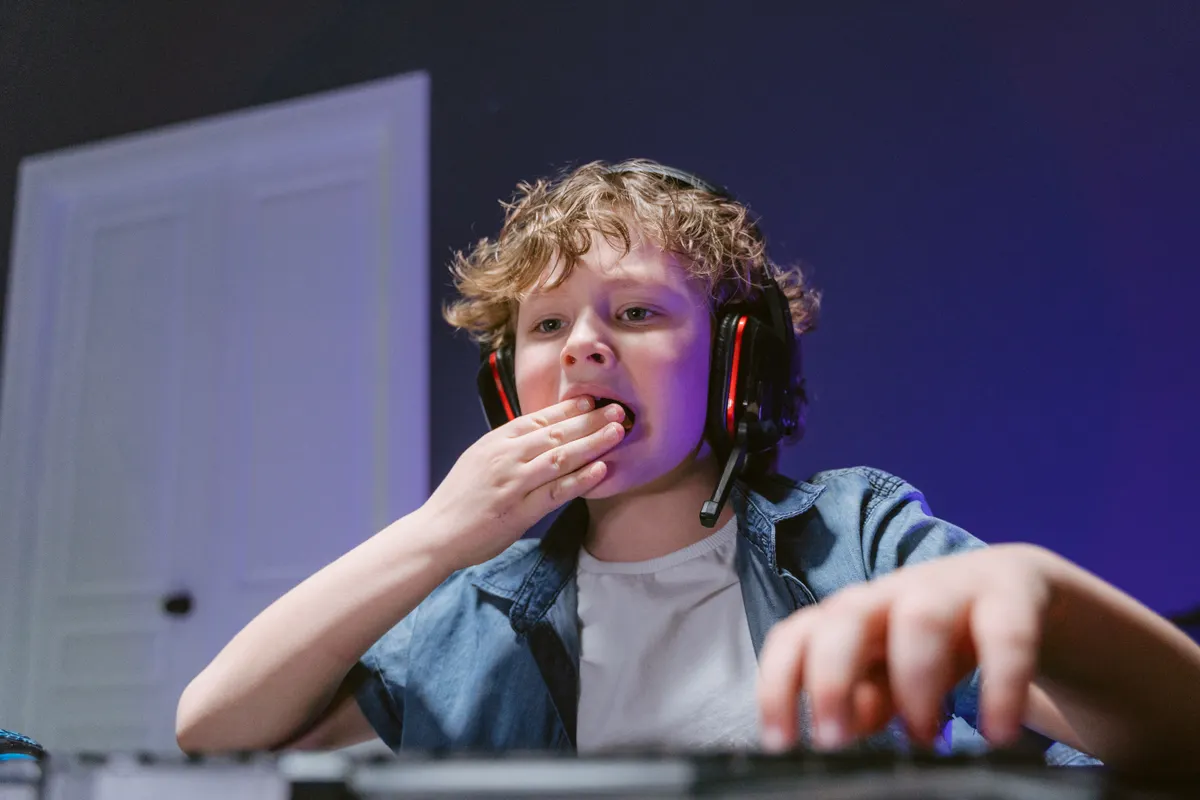
Building a game with Copilot took Jacob, an 11-year-old in the Bay Area, four days and no knowledge of coding. His mother, Michele Ragon, a 46-year-old employee communications business partner at LinkedIn, only discovered what he had made when she walked up behind him one evening and noticed what was on his screen.
Jacob had been diagnosed earlier this year with ADHD, dyslexia, and dysgraphia. He has difficulty remembering sequences and organising his thoughts. Yet within weeks of receiving a new computer for Christmas, he had used Microsoft Copilot to build a playable, rat-themed civilisation game, largely without any help from an adult.
The Book That Sparked the Idea
The concept came from Jacob’s school reading. His class had studied Mrs. Frisby and the Rats of NIMH, Robert C. O’Brien’s 1971 children’s novel about a colony of escaped laboratory rats who build a sophisticated, literate society. The book won the 1972 Newbery Medal.
Something in that premise stuck with Jacob. He had also been browsing Steam, a gaming platform where he explores free game demos, and had spotted a civilisation-building game that caught his attention. The two ideas fused.
He told his mother he simply opened Copilot and started asking: ‘Help me build this game. Here’s my idea. How could I build this game?’ The model walked him through the steps from there.
How Building a Game with Copilot Worked in Practice
Jacob worked for roughly an hour or two each day over four days until he had a functional version. He asked Copilot questions throughout, and when an error code appeared, he copied it back into the model and asked it to explain. If the response was too technical, he asked again and it simplified further.
One feature proved particularly useful for a child who finds typing difficult. Jacob used voice mode to speak his questions aloud rather than type them. According to Redmond Magazine, Microsoft’s voice input feature for Copilot, which lets users speak natural-language prompts and ask follow-up questions in the same session, was initially released in the Copilot mobile app, with desktop and web support described as in development at the time of that rollout.
Jacob told his mother that one of the best parts of working with AI is that it never gets frustrated when he asks the same question twice. It simply restates the answer differently. His favourite prompt is asking, ‘What does this mean?’
The hardest part, he said, is getting stuck in a loop where neither he nor the model can fix a recurring error. When the game kept crashing over the animated rats, he found a workaround: he changed the rats to smiley faces. The game stopped crashing.
A Parent’s Confidence, and Her Reservations
Ragon describes the experience as building a game with Copilot in a low-risk environment. She was not worried about inappropriate content surfacing in a project focused on a children’s novel. Her concern is more about whether Jacob can recognise when an AI response is wrong, and about the games he encounters on Steam from creators anyone can post.
Steam offers a parental control system called Family Management, which lets parents customise which games a child can play, manage screen time, and restrict inappropriate content by adding the child to a family group on their account. Internet Matters notes that a parent must first have the child added as a friend on Steam before the family controls become available.
Ragon says the game itself was entirely Jacob’s idea, executed with AI assistance because he had no other means of bringing it to life. She works in technology and sees colleagues and friends using AI daily, from job-search interview practice to instant search results. Her view is that schools not teaching children how to use these tools are doing a disservice to their pupils.
When she asked Jacob what he wanted to build next, his face lit up. He already has another game idea in mind. Whether he can push past the recurring errors that stall him, or learn to reprompt his way around them, is the next test of what building a game with Copilot can actually teach an 11-year-old about problem-solving.