


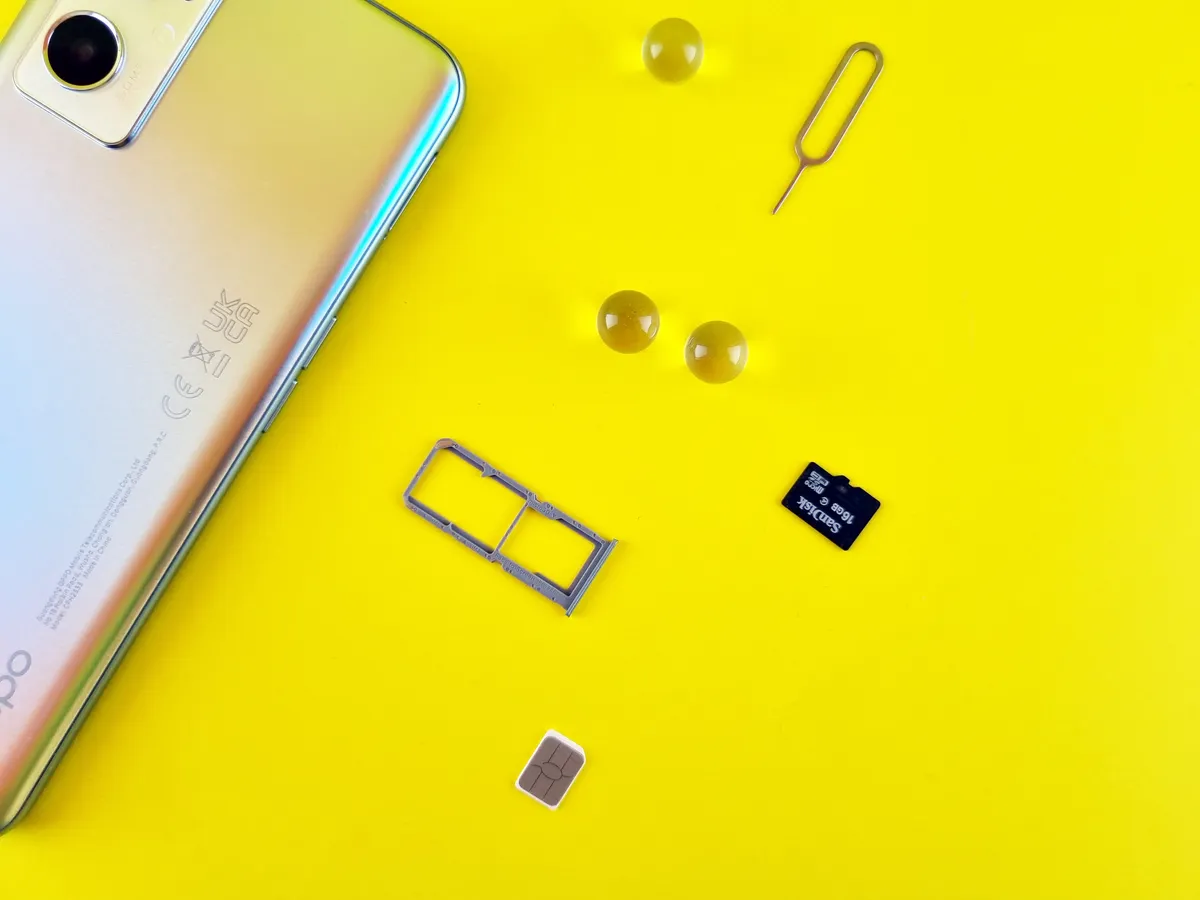
Smartphone storage costs are structured to extract money twice: once when you buy the handset, and again when you run out of room and reach for a cloud subscription. Understanding exactly how much each gigabyte is costing you, in dollars rather than in raw capacity, is the most practical defence against both traps.
The Real Smartphone Storage Costs, Tier by Tier
The iPhone 17 Pro Max makes a useful worked example because it spans four storage options. According to Apple’s newsroom, the 2TB configuration is the first time any Pro Max model has offered that capacity. The four tiers are priced at $1,199 (256GB), $1,399 (512GB), $1,599 (1TB), and $1,999 (2TB).
Dividing price by capacity gives a basic cost per gigabyte of $4.68/GB, $2.73/GB, $1.56/GB, and $0.98/GB respectively. But a more useful frame is the marginal cost: what you are paying for each extra gigabyte when you step up one tier.
The 512GB model costs $200 more than the 256GB model, putting the marginal rate at $0.78/GB. The 1TB step costs another $200, again at $0.78/GB. The jump from 1TB to 2TB is a different matter entirely: CNBC reports Apple charges $500 for that final tier, producing a marginal rate of $0.39/GB, cheaper per gigabyte, but a steep single payment for capacity many users will never fill.
Those marginal figures shift depending on which iPhone you buy. For non-Pro models such as the iPhone 17 Air, CNBC reports the first storage upgrade from 256GB to 512GB costs $200, double the $100 that equivalent step-ups cost on prior-generation non-Pro iPhones.
Apple has also changed how the Pro range is priced at the entry level. The previous-generation iPhone 16 Pro started at $999 for 128GB; the iPhone 17 Pro entry point is $1,099 for 256GB, a $100 increase that effectively doubles base storage while raising the floor price, according to CNBC.
A Gigabyte Does Not Go as Far as You Think
Knowing the per-gigabyte cost matters more once you understand how quickly storage disappears. At standard camera settings, a gigabyte holds about 300 lower-resolution photos or roughly 150 high-quality images. Switch to pro-grade RAW capture and that same gigabyte covers as few as a dozen shots.
Video is more punishing still. A gigabyte holds about 15 minutes of lowest-quality 1080p footage. At higher settings, that gigabyte can vanish in under two minutes.
Apps compound the problem. The Facebook app runs close to half a gigabyte; WhatsApp adds another third; Facebook Messenger takes a quarter. TikTok alone accounts for roughly a gigabyte.
And this is before cloud backup enters the picture. Apple’s support documentation notes that iCloud accounts begin with just 5GB of free storage; once that is exhausted, photos stop uploading and iCloud Drive stops syncing. Google’s support pages confirm that each Google Account receives 15GB shared across Drive, Photos, and Gmail, with Storage Saver quality reducing resolution slightly compared with originals.
When free tiers fill up, paid subscriptions begin. Apple’s iCloud+ plans start at $0.99 per month in the US, with Family Sharing allowing up to five additional members to share a single subscription at no extra cost.
Practical Ways to Reclaim Space Without Paying More
The operating system features designed to help are limited by design. Both iOS and Android allow you to offload or archive apps, removing the application files while preserving your data. iOS calls this offloading; Android calls it archiving. Neither platform surfaces a straightforward list of apps unused for months, which would be the most useful tool of all.
Photo libraries are the biggest drain for most users. Dedicated apps such as MacPaw’s CleanMyPhone (iOS) and AVG’s Memory Cleaner (Android) scan for duplicates, near-identical shots, and poorly lit captures that are worth deleting. A regular purge of even a few hundred photos reclaims several dollars of on-device storage at the marginal rates above.
For app clutter, periodically offloading a handful of unused apps, then only restoring the ones you actually return to, is a low-effort way to identify what can be deleted permanently.
Turning off automatic media downloads in messaging apps prevents videos and images sent by contacts from filling the camera roll. Streaming audio and video rather than downloading files also preserves space, provided your data plan makes that practical.
If you want physical backup without a monthly fee, USB-C external storage connects directly to modern smartphones, though it requires more manual effort than cloud services. Hardware-encrypted drives offer the same convenience with stronger data protection.
The clearest illustration of why this matters: a buyer who purchased the largest iPhone available spent $2,000 and later found they were using less than 300GB of space. At the pricing structure above, $600 could have stayed in their pocket.
Before the next upgrade, check your current storage usage. The number on that screen is the only figure that should determine which tier you buy.